Skip physical staging.
Furnished, MLS-ready photos in minutes.
See it in action
See the room change. Drag the line.
Styled: West Coast Modern Luxury
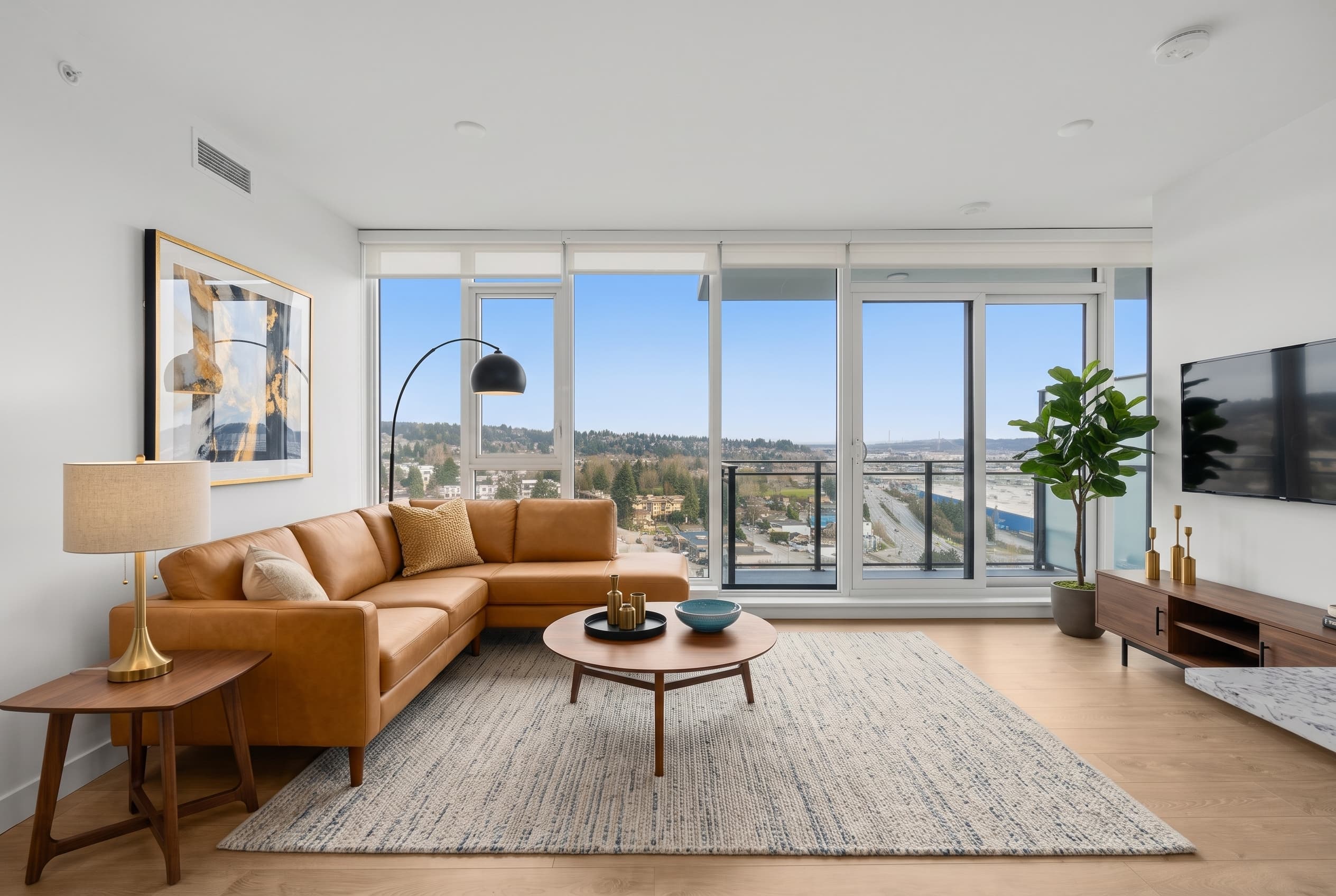
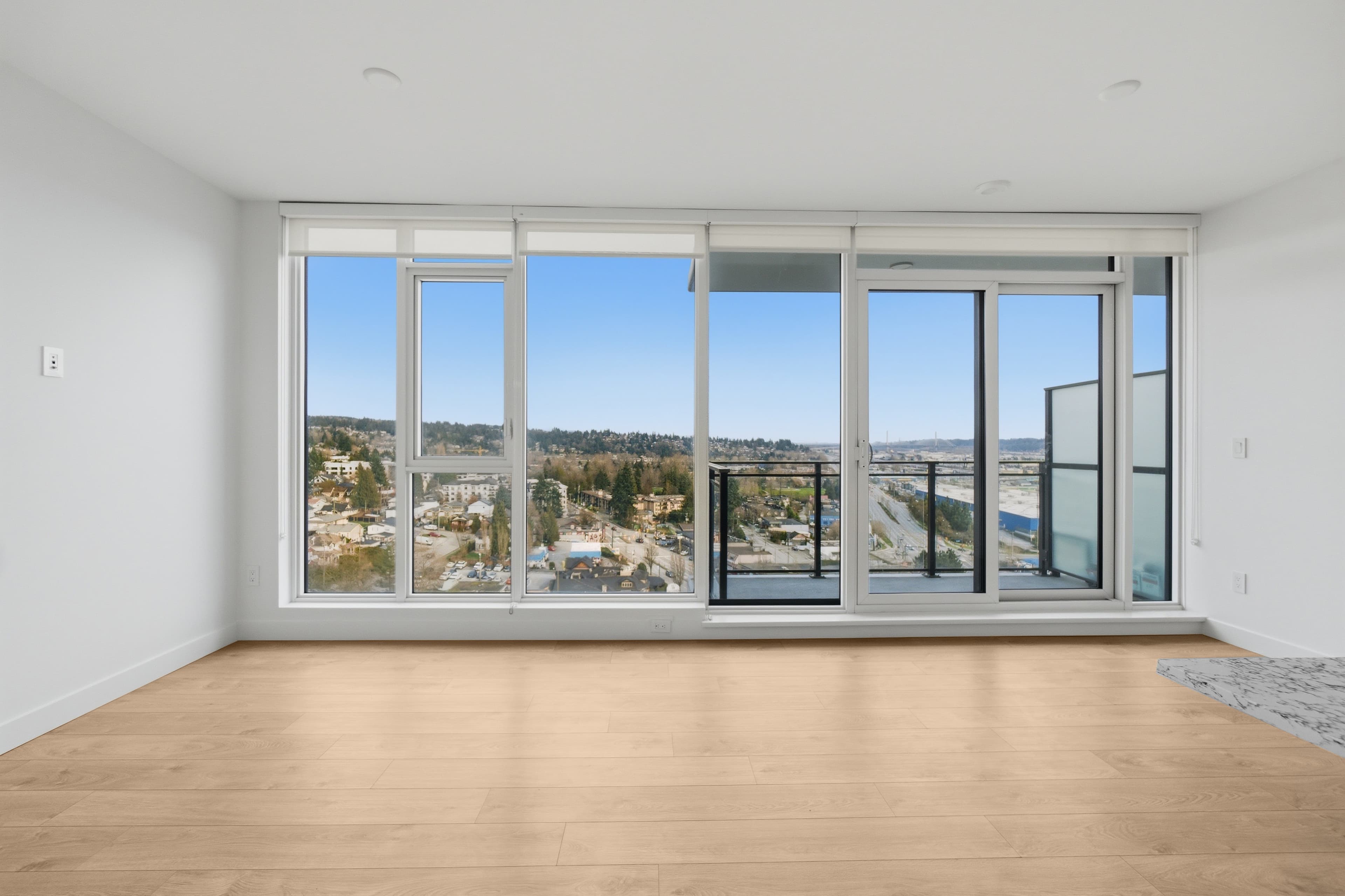 BeforeAfter
No renting furniture, no movers, no coordinating a shoot before your listing goes live. Upload your empty room photos, choose a style, and each room is staged with designer furniture — furniture and styling only, never altering walls, windows, or fixtures.
Why Virtual Staging
Built for realtors who can't risk a false claim.
Your style, your direction
Eight interior styles to choose from, plus a notes field so you direct the exact look for every room — not a one-size-fits-all render.
Sophisticated design engine
Three AI models working together: one reads the room, one designs the space, one verifies the result before it's delivered.
Never alters your listing
Structural safeguards mean furniture and styling only. Walls, windows, and fixtures stay exactly as they are in your original photo. Watermark and disclosure options are built in.
The eight styles
- West Coast Modern Luxury
- Japandi Calm
- Contemporary Classic
- Scandinavian Warm
- Urban Industrial
- Coastal BC
- New Build Upgrade
- Luxury Estate
Shoot it with your phone
Start with what's in your pocket.
Shoot horizontal
Landscape, not portrait — it matches how the room actually reads and how MLS photos are cropped.
Stand in the doorway or corner
Get the whole room in frame. A tighter shot leaves the design engine less room to work with.
Keep the phone level
A level horizon keeps walls and floors straight — tilted shots are harder to stage convincingly.
Daylight on, blinds open
Turn on every light and open the blinds. Even, bright rooms stage better than dim ones.
If a photo's too small or low-resolution to stage well, we'll tell you before you spend anything.
How it works
Four steps. One furnished room.
Upload
Upload your empty or unstaged listing photos — 3, 5, or 10 at a time.
Choose your style
Pick one of eight interior styles and add notes to direct the look for each room.
Stage
The design engine stages each room — furniture and styling only, verified before delivery.
Download
Download your furnished, disclosure-ready images and drop them straight into your listing.
Questions
Things realtors ask before staging their first photo.
How long does virtual staging take?
Most rooms are staged in minutes, not days. Turnaround depends on your pack size and current queue volume, but a single photo is typically ready well within the hour.
Does virtual staging alter the property?
No. Virtual Staging only adds furniture and styling to an empty or unstaged room. Structural safeguards keep walls, windows, floors, and fixtures exactly as they are in your original photo — nothing about the property itself is changed.
Is virtual staging MLS-compliant?
Every staged image ships with a clear disclosure — on the image itself, or in the listing remarks — so buyers know the room was digitally staged, which most boards require. Disclosure rules vary by MLS board, so confirm your local board's requirements; we can't guarantee acceptance by any specific board.
What interior styles can I choose from?
Eight styles: West Coast Modern Luxury, Japandi Calm, Contemporary Classic, Scandinavian Warm, Urban Industrial, Coastal BC, New Build Upgrade, and Luxury Estate. A notes field lets you direct the specific look for each room too.
What if I don't like the result?
Every pack includes a set number of re-stages — 1 with the 3-photo pack, 2 with the 5-photo pack, 4 with the 10-photo pack. Pick which photo to re-run and try again, at no extra charge.
Is the staging human-designed?
No — each room is staged by a multi-model AI design system: one model reads the room, one designs the space, one verifies the result. Every output is human-reviewed before delivery, but the design itself is model-generated, not hand-drawn by a designer.
Stage your first photo free.
Sign in to get started — no credit card for your first staged photo.